Overview
User group management allows organizations to better manage users by organizing them into groups based on roles and responsibilities.
This helps streamline access control, ensuring users have the appropriate permissions to perform their tasks efficiently.
Steps Involved In Creating User Groups
-
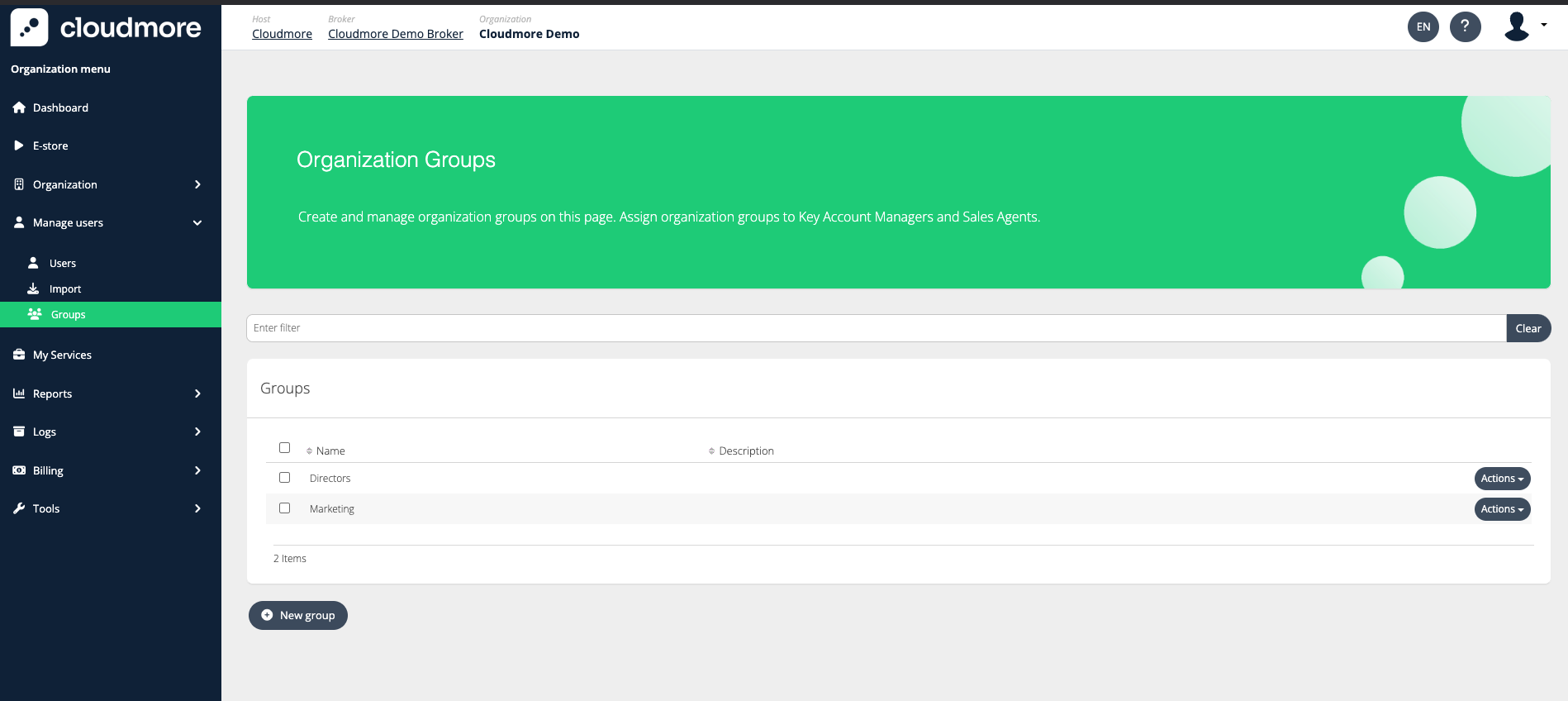
Navigate to Broker > “Search for the Organization” > Manage Users > Groups
-
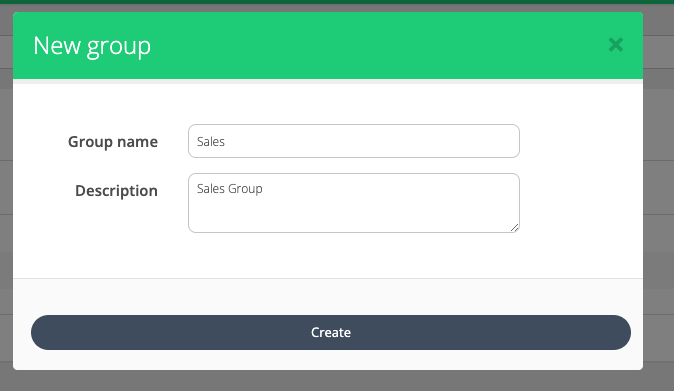
Click on New Group
-
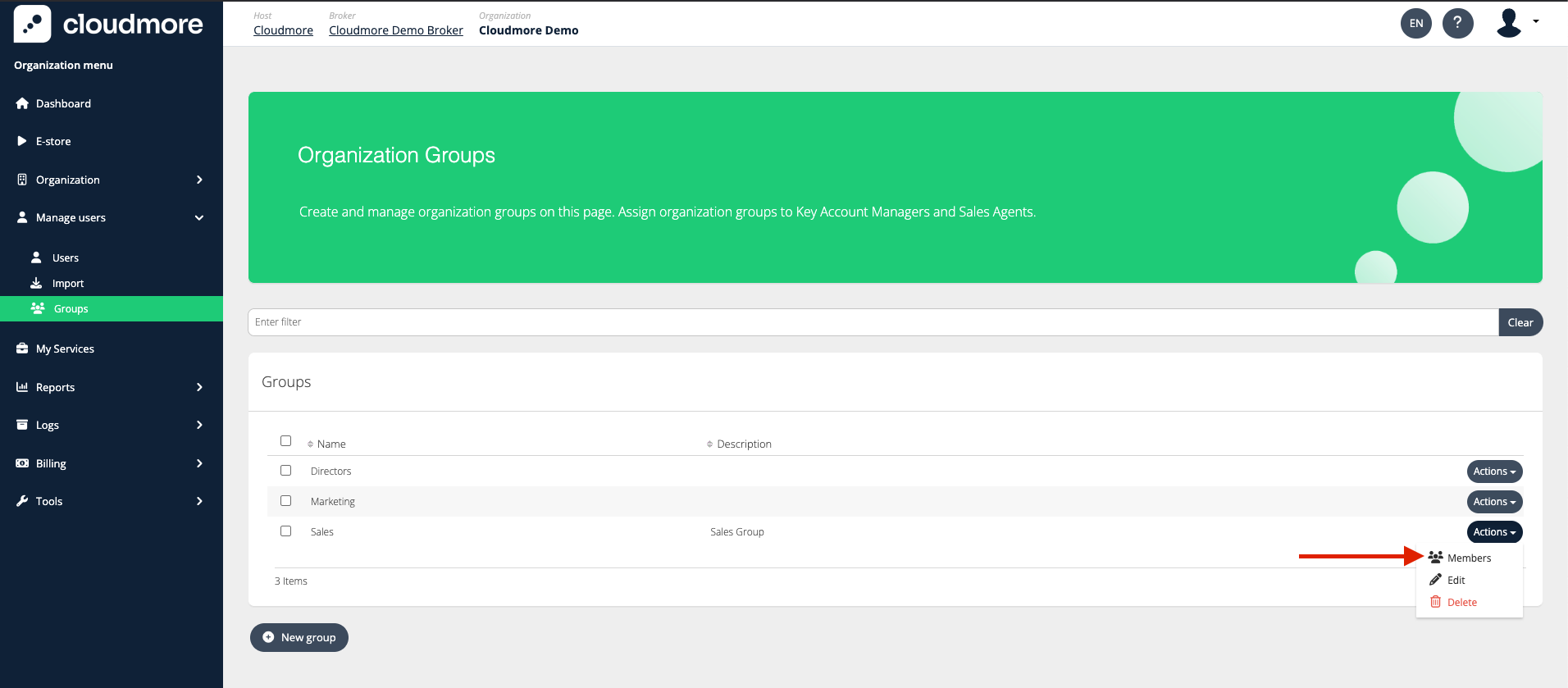
Click on Actions > Members to add users to the groups.
-
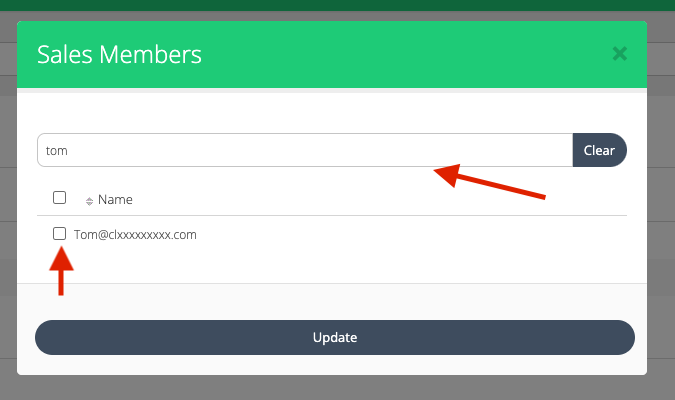
Utilize the search bar to locate users and allocate them to the group and click on Update.