
Overview
-
As a Broker, you can move the Cloudmore Login page to a subdomain like dashboard.mycompany.com, and make it appear as an integral part of your service offerings
-
It allows you to seamlessly incorporate it into your service suite which can enhance the brand experience.
-
It allows you to make it feel like a natural extension of your services.
How to Set Up You Branded Login Page
-
Select Branded Login - Click on the logo/icon area and upload your files. Ensure that the details entered are accurate.
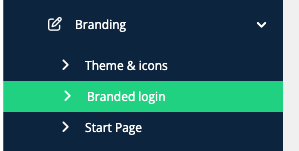
This section lets you set up a secure, branded login URL for your organization’s Cloudmore portal.
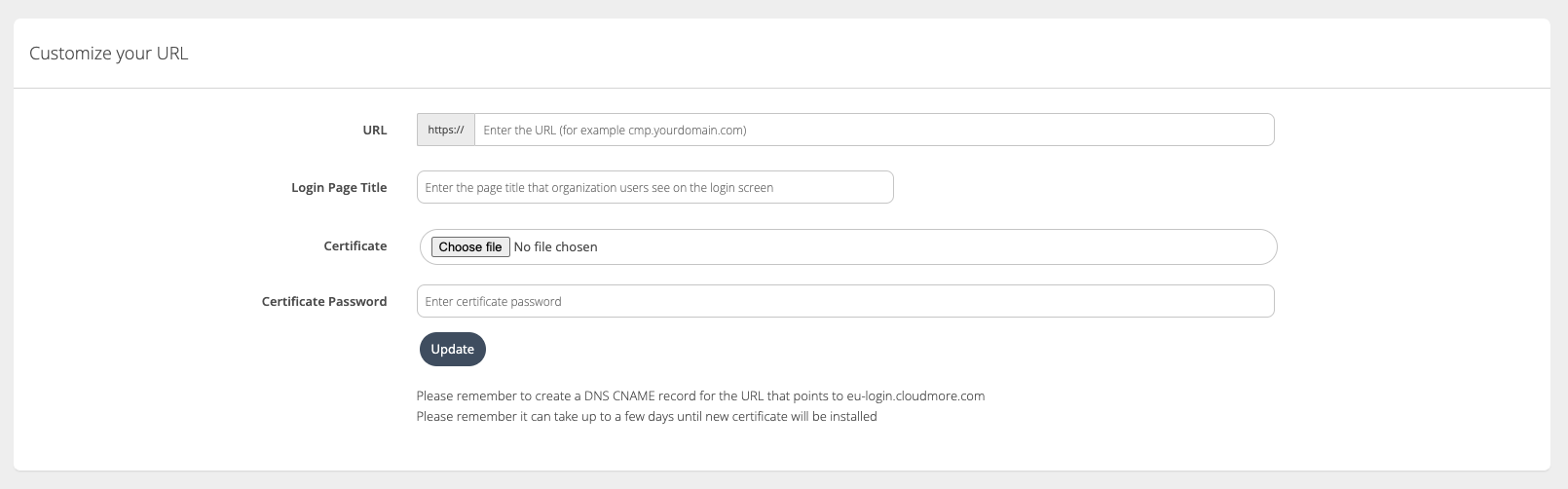
Important fields for Customizing URL
-
URL: Your custom login web address (e.g.,
cmp.yourdomain.com). -
Login Page Title: The title shown on the customized login page.
-
Certificate: The SSL/TLS file securing your custom URL.
-
Certificate Password: Password to unlock the uploaded certificate.
Note: It can take up to a few days until the new certificate is installed.
-
Enable Single Sign-On to Login Page - If you use a Single Sign-On to access Cloudmore, a link can be added to the login screen by ticking the check box. For more information, visit the pages Microsoft SSO and Single Sign On (SAML SSO).

-
Customize Login Page - Once all the above steps are completed, the login page can be customized to display the background image and additional links on it by visiting Broker menu > Broker > Branding.
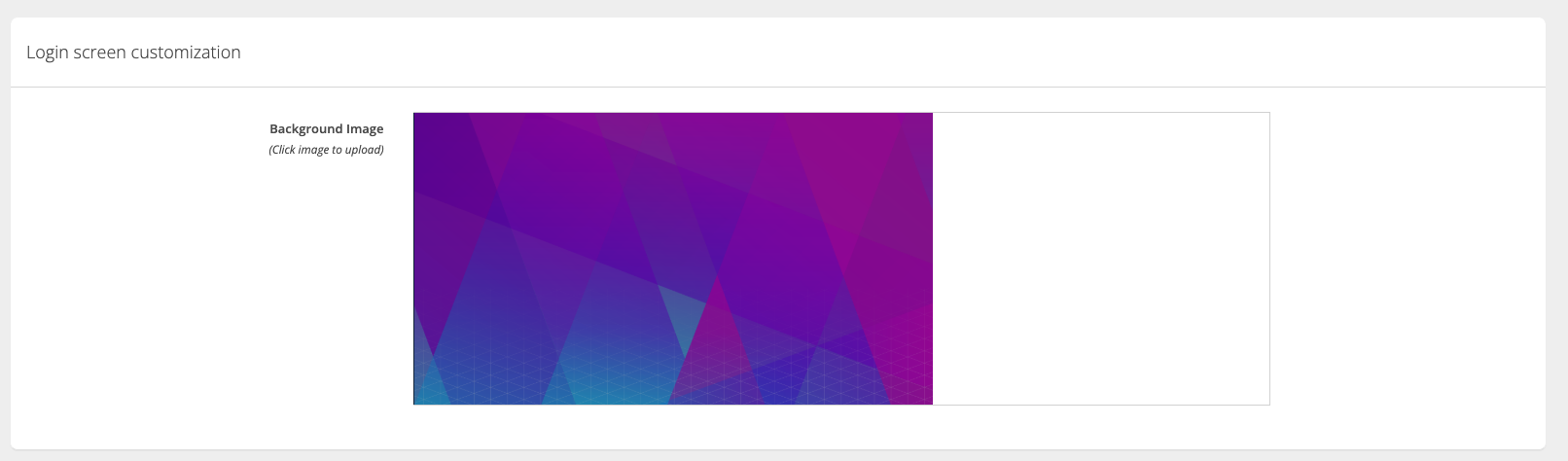
Customize the login screen

The Add Additional Screen Links, lets you add custom links (e.g., About Us, Services, Contact) to appear on the login page.
Example of a Customized Branded Login Page
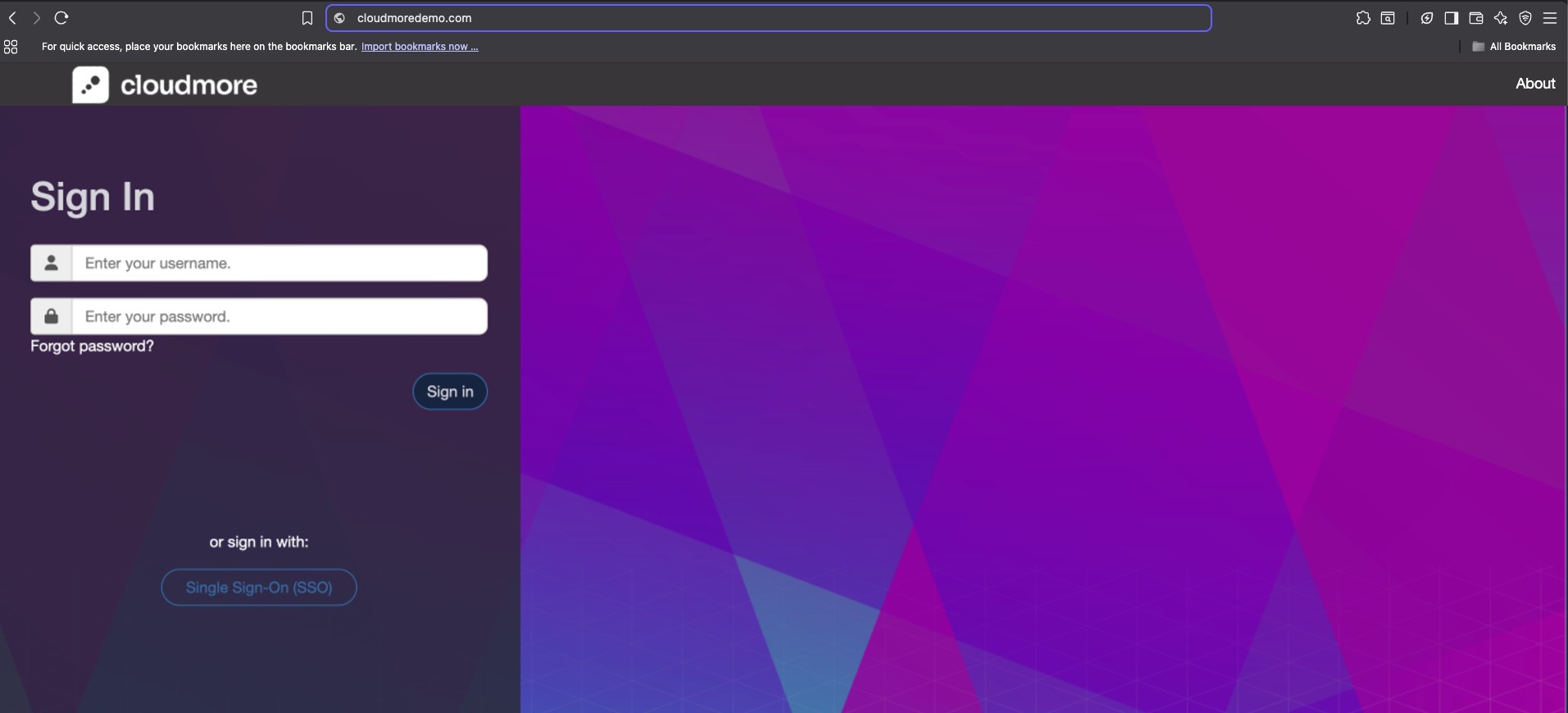
This image shows an example of a customized branded login page with your organization’s logo, colors, and added links for a personalized look and feel.