Overview
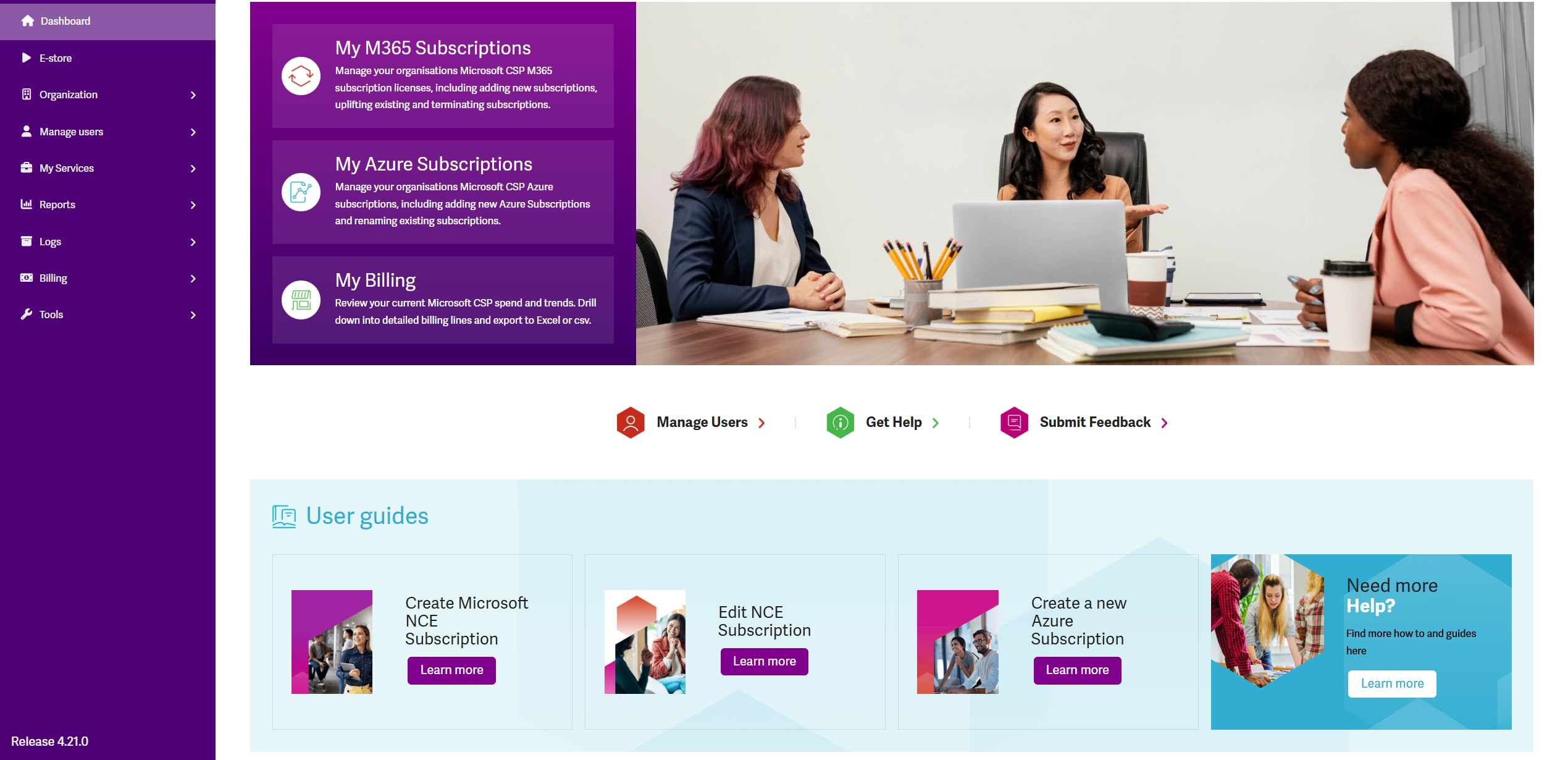
The Start Page is the first page your customers see when they log into the platform.
It can be fully customized to reflect your brand and guide users to key areas. Examples of what you can include:
-
A welcoming message or short introduction to your services
-
Branded visuals, banners, or company logo
-
Quick links to commonly used platform pages
-
Shortcuts to billing, subscription management, or support
-
Announcements about new features, updates, or promotions
-
Links to internal resources, user guides, or onboarding materials
-
Contact details for support or account management
-
Embedded videos or images for a more engaging experience
Use this space to make a strong first impression and help customers take action right away.
Customizing You Branded Start Page
-
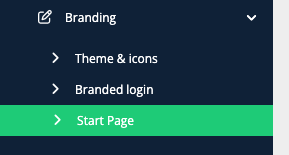
Start Page Customization - After customizing the URL and once the certificate is installed. The start page for the branded URL can be customized. Click on the Start Page option.
-
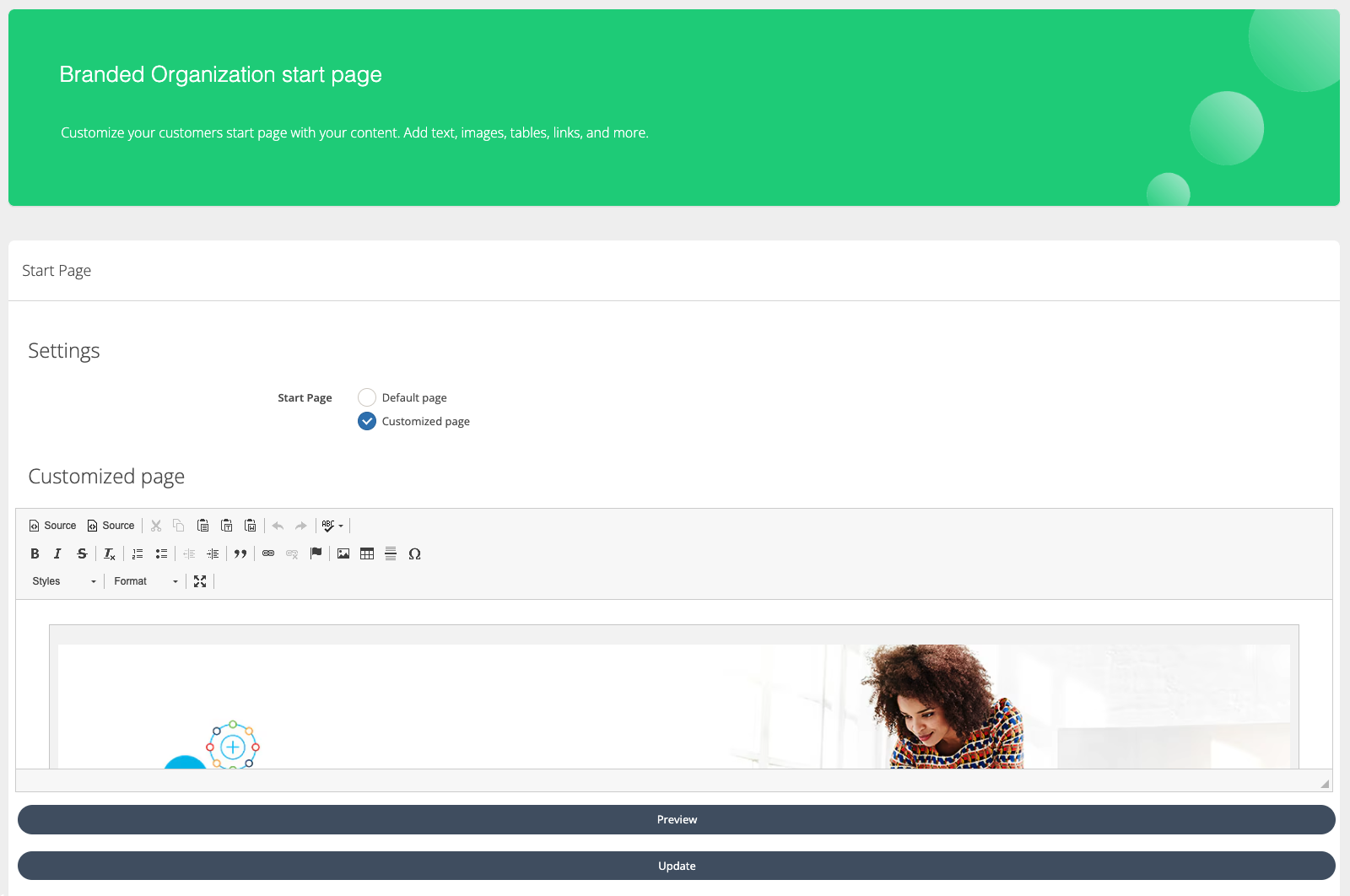
Configure Start Page - There are two options available: the default page and the customize page. The default option is the one initially provided by Coudmore. To customize the page, select the customized page option and the content before clicking Update.
-
Use the Rich Text Editor to customize your Start Page.
-
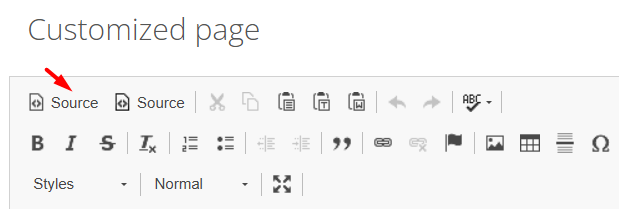
Alternatively you can add your custom HTML if you want to customize this in a detailed way. Just hit the “Source” button to access the HTML source code of the page.
If you need a separate space to play around with the Start Page code without affecting live customer experience, please reach out to our Customer Service Team and they will provide you with a separate sandbox account access for this purpose.
Example of a Branded Start Page